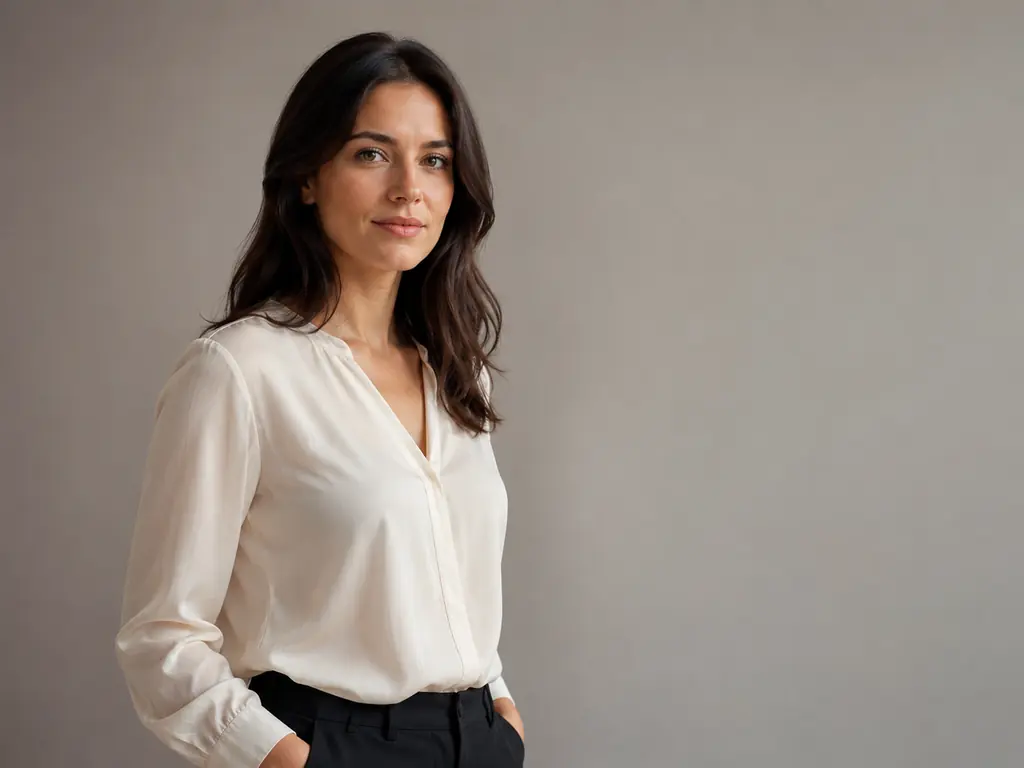
 PHOTO / 01
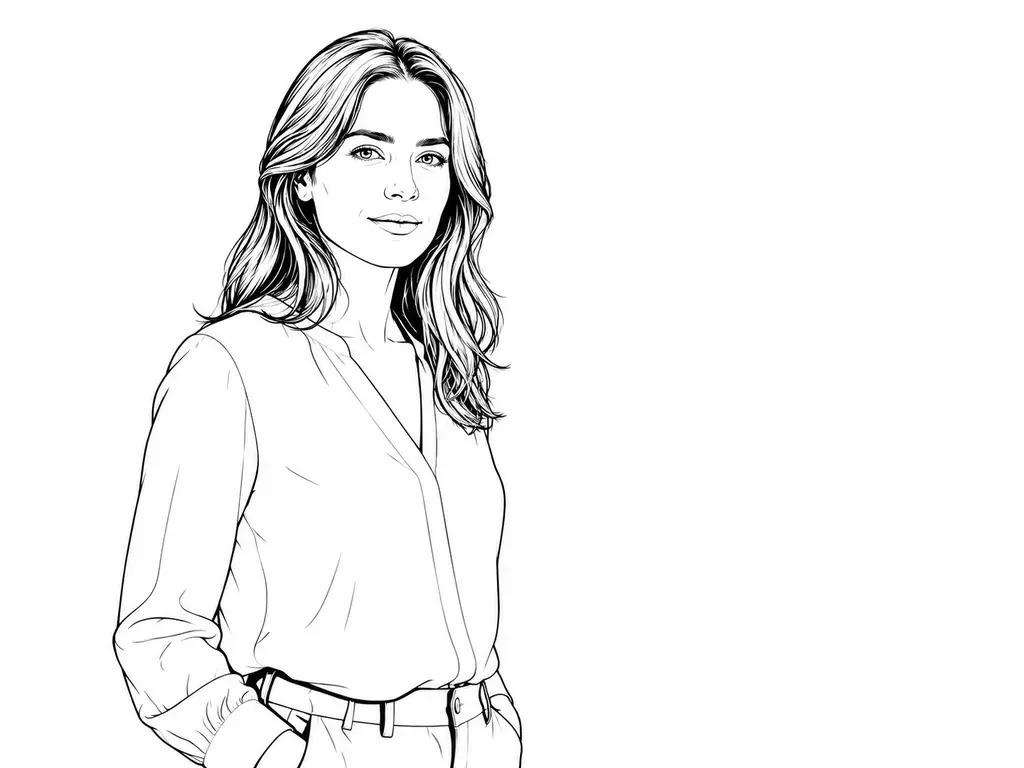 DRAWING / 01
Black & White Line Art
Clean ink contours remove color and most photographic shading while keeping the portrait, pose, and framing readable.
 aiimg.meBlack & White Line Art
Black & White Line Art
Crisp ink contours on white with photographic texture removed.
Upload one source photo to begin. JPG, PNG, or WebP.
Drawing style
4 tested presetsDrawing desk 01
Upload a photo you have the right to use, choose one of four drawing treatments, and generate a new line-based interpretation. The presets are designed to keep the subject, pose, camera angle, and overall composition recognizable, while generative variation can still change fine details.
SOURCE / 01LINE ART / 01Plate series / 04
Each preset changes the drawing language, not just the contrast. Select a clean contour treatment, graphite texture, reduced architectural outline, or a small amount of flat color. These matched examples use separately generated source photos so the differences are easy to inspect.
PHOTO / 01DRAWING / 01Clean ink contours remove color and most photographic shading while keeping the portrait, pose, and framing readable.
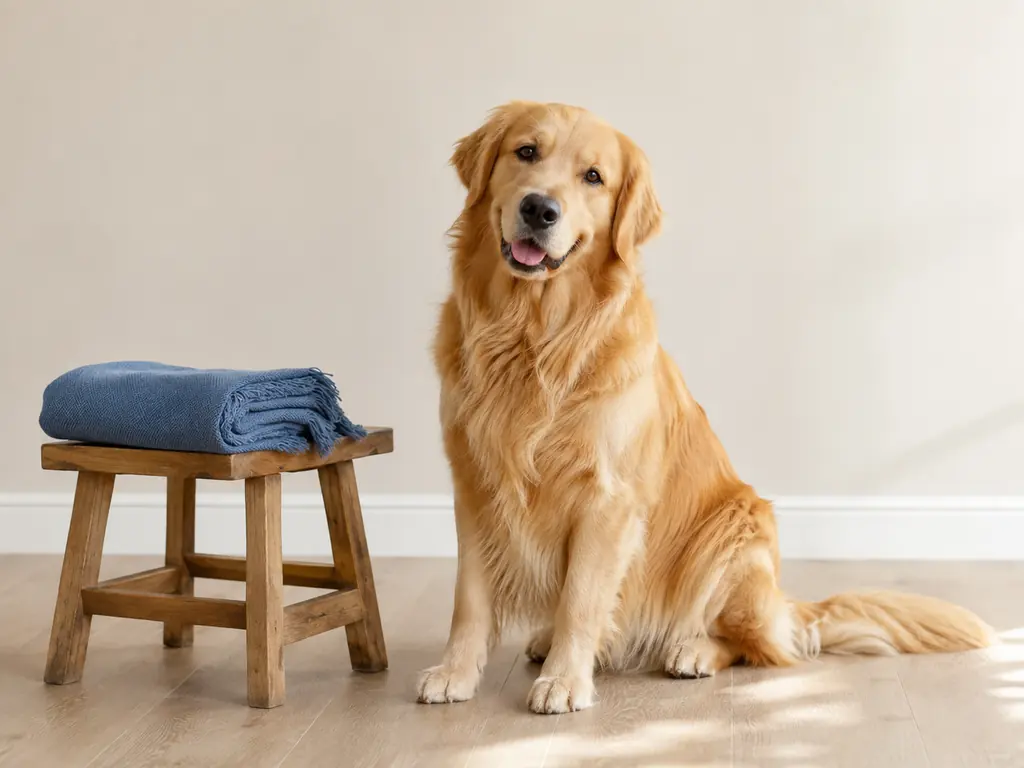 PHOTO / 02
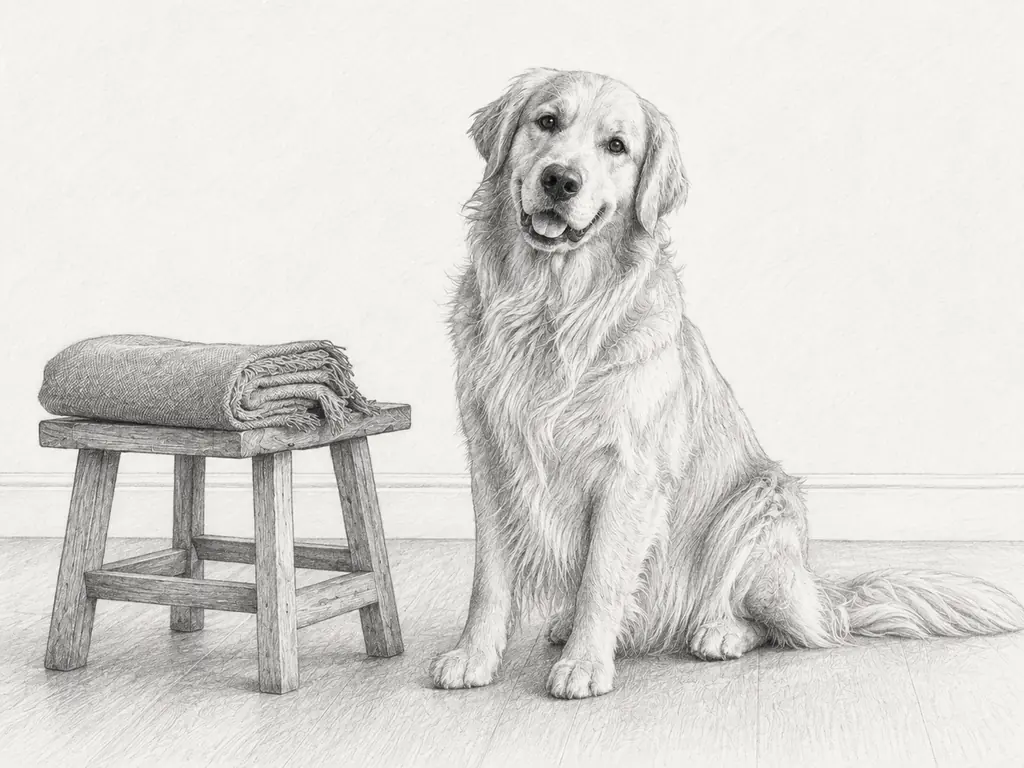 DRAWING / 02
Graphite contours, restrained cross-hatching, and paper grain create a drawn study without turning the image into a heavy charcoal rendering.
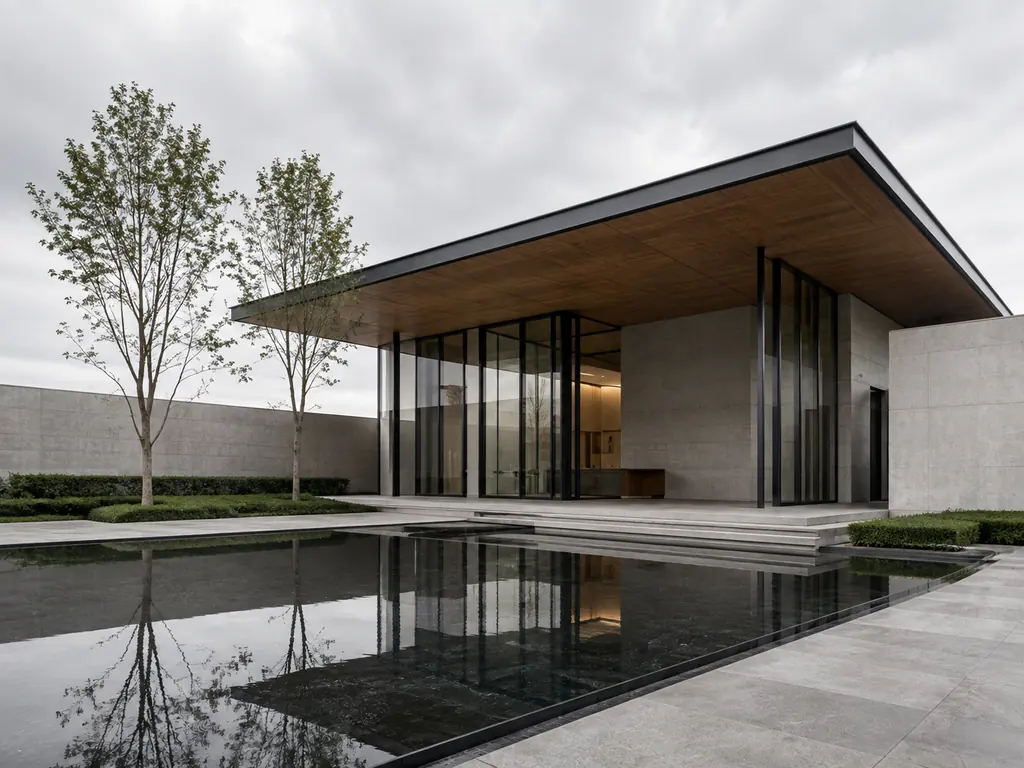 PHOTO / 03
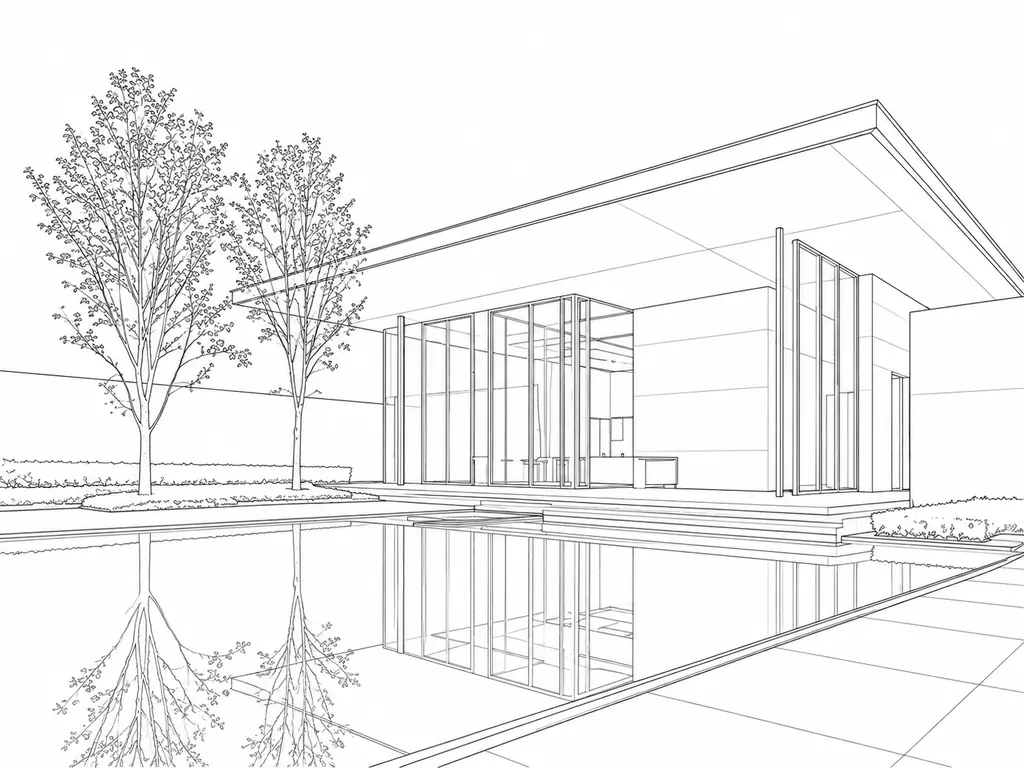 DRAWING / 03
Essential architectural edges become consistent thin lines with generous white space, no fill color, and no decorative shading.
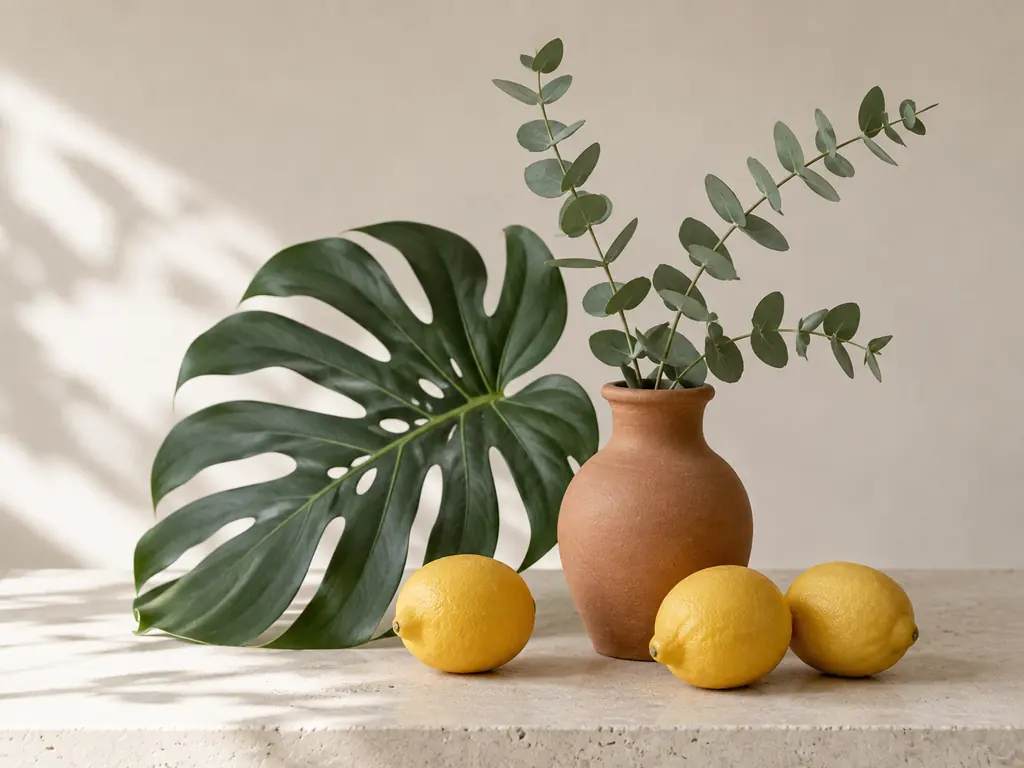 PHOTO / 04
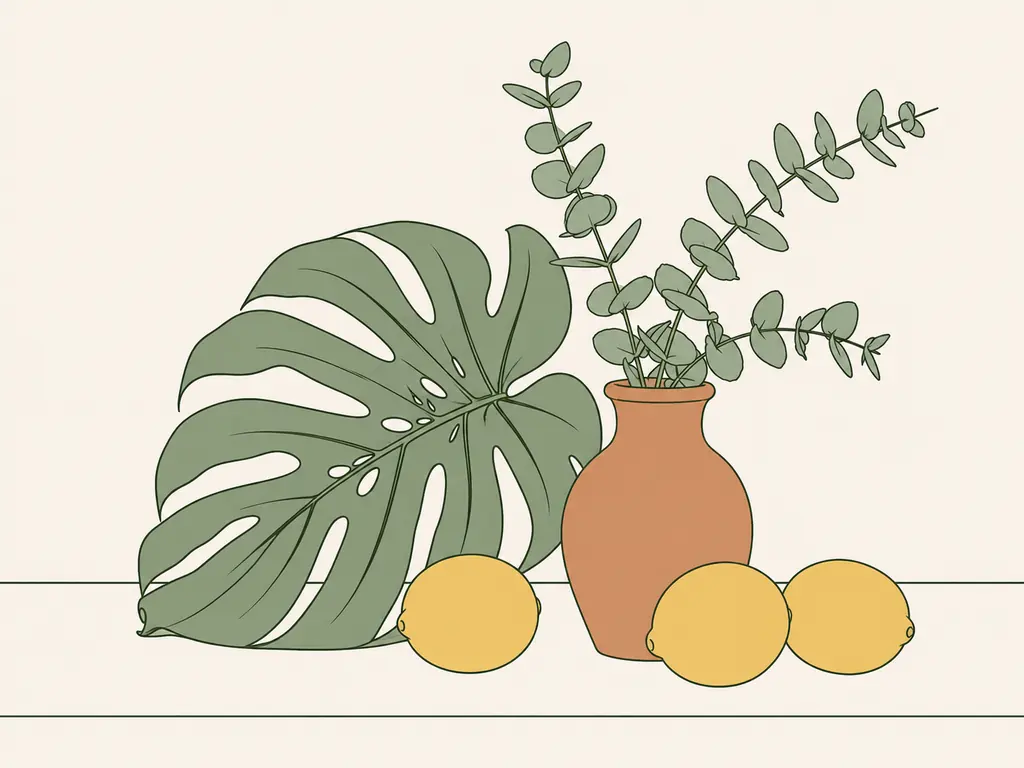 DRAWING / 04
Crisp outlines retain a small flat-color palette from the source for a warmer illustration that still reads as line work.
Process notes
This is a generative image-to-image workflow. It does not trace every pixel, apply a live camera filter, or produce editable vector paths. The model reads the source together with the selected drawing direction and creates a new raster image.
Choose one JPG, PNG, or WebP with a readable subject and edges. A simple background reduces competing lines.
Start with Line Art, Pencil Sketch, Minimalist Outline, or Colored Line Art, then add a focused optional instruction.
Review subject recognition, composition, line clarity, and unwanted detail. Reuse the strongest settings for another pass.
Use cases
Generated line art can help you explore a direction before precise production work begins. Use it as a visual reference, not as a final technical drawing.
Reduce a photo into clearer regions before developing a coloring-page composition.
Explore silhouette and contour ideas before a tattoo artist redraws and adapts the design.
Test which edges remain readable before rebuilding them as production-safe vector paths.
Turn a product or still life into a loose visual direction for packaging and campaign drafts.
Simplify the subject before manually planning stitch paths, thread colors, and fabric scale.
Comparison note
A photo-to-sketch result usually keeps more tonal information. Graphite grain, cross-hatching, soft shadow, and visible paper texture make it feel like a study made by hand. That extra tone can describe fur, fabric, and rounded forms, but it also creates a busier image.
Photo-to-line-art presets prioritize contours and open space. Black & White Line Art keeps a little expressive variation; Minimalist Outline removes more secondary detail. Choose a sketch when texture matters and line art when readable boundaries matter more than shading.
Need a freely described edit? Open Image to Image AIQuality guide
Prefer sharp focus, clear separation between subject and background, and a camera angle that already communicates the form you need.
Optional instructions work best when focused: “simplify the foliage,” “keep the glasses,” or “remove background objects.”
Generative results vary. Judge the silhouette and key edges first, then refine the strongest version instead of stacking many demands.
Small text, exact identity, precise line width, logos, hands, and fine geometry may change. Use specialist tools for vector tracing and technical cleanup.
FAQ
Yes. No signup is needed to turn a photo into line art online. Guest access has usage limits, and the workspace shows the credit estimate before you submit a generation.
Use a sharp image with one clear subject, readable edges, simple lighting, and limited background clutter. Strong silhouettes usually produce more useful line art than low-contrast or heavily blurred photos.
No. The AI generates a new interpretation guided by the source. It aims to keep the subject and composition recognizable, but faces, hands, text, small objects, and fine geometry can change.
The tool currently downloads generated raster images. It does not perform vector tracing or export SVG paths. Use dedicated vector software if you need editable curves or production-ready engraving paths.
A sketch may use graphite texture, cross-hatching, and tonal shading. Line art relies more heavily on contours and open space. Choose Pencil Sketch for tonal drawing or Line Art and Minimalist Outline for cleaner edges.
Ready for a new drawing study?