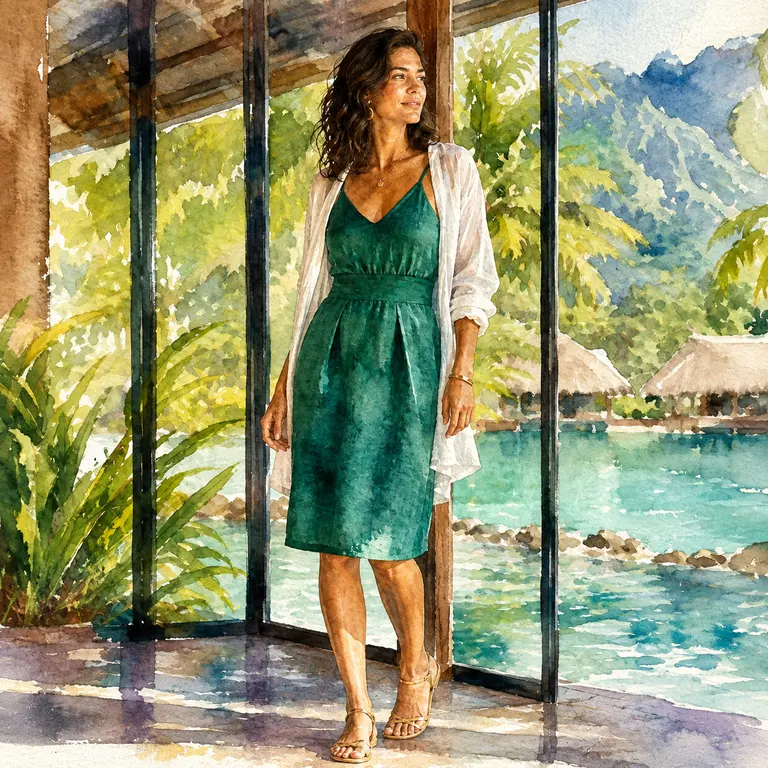
Transformer une photo en aquarelle
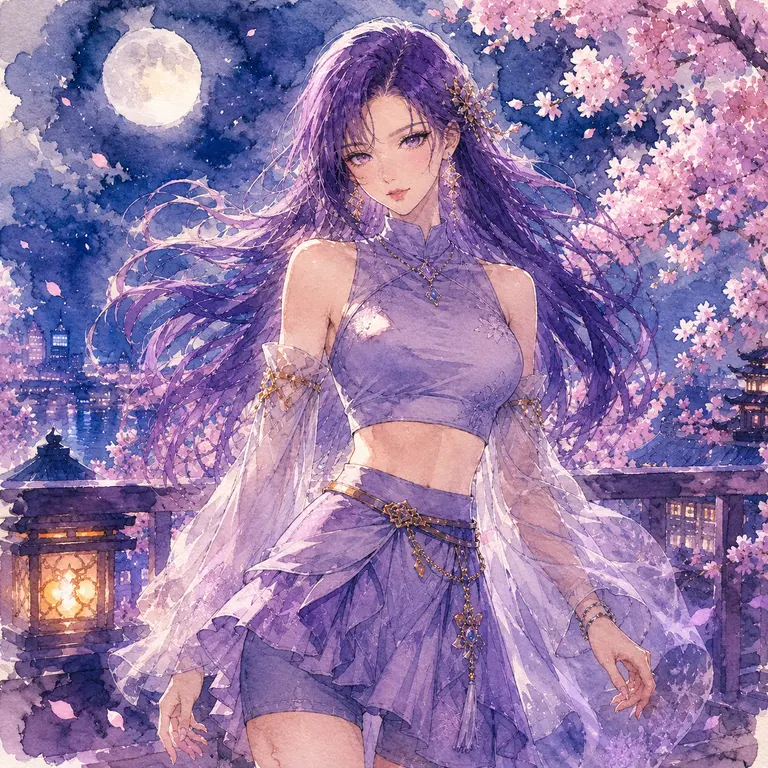
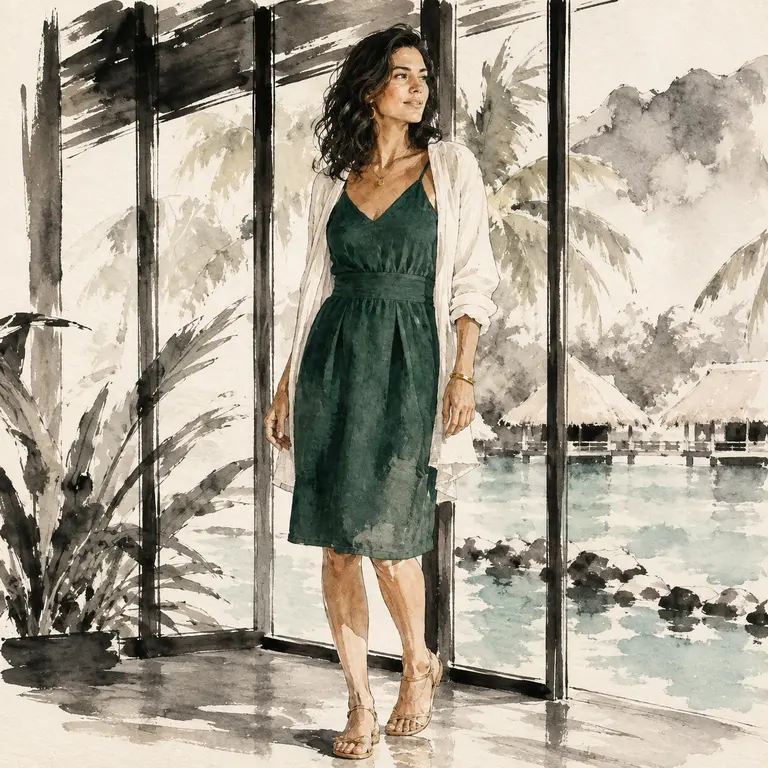
Lavages translucides, grain de papier pressé à froid, contours doux et diffusions naturelles de couleur.
 aiimg.me
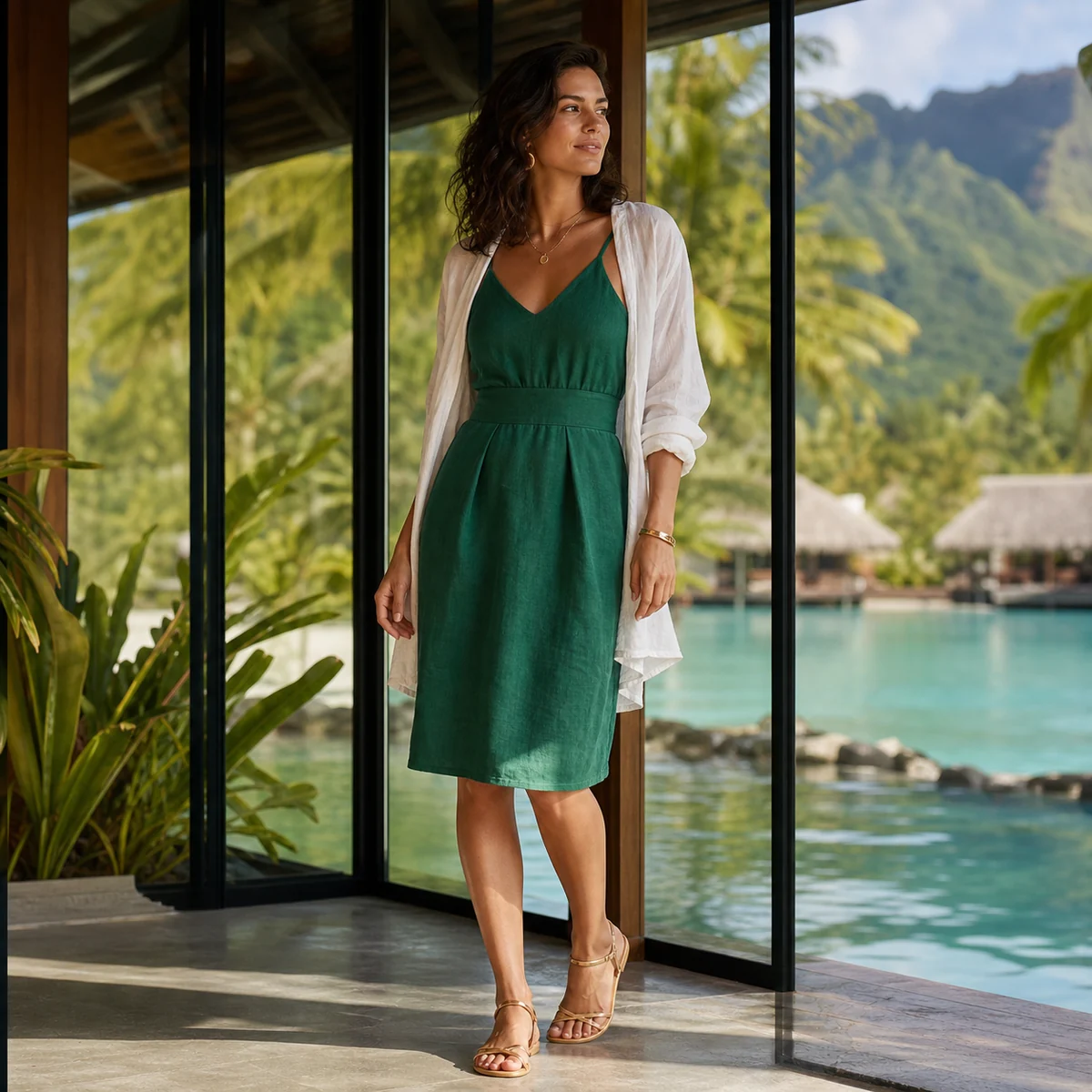 Aquarelle
Aquarelle
Lavages translucides, grain de papier pressé à froid, contours doux et diffusions naturelles de couleur.
Importez d’abord une image source. Formats JPG, PNG et WebP acceptés.
Médium artistique
5 préréglages testésImportez une image que vous êtes autorisé à utiliser, choisissez l’un des cinq styles testés et générez une nouvelle interprétation artistique. L’outil vise à garder le sujet et la composition générale reconnaissables, mais chaque résultat peut varier.
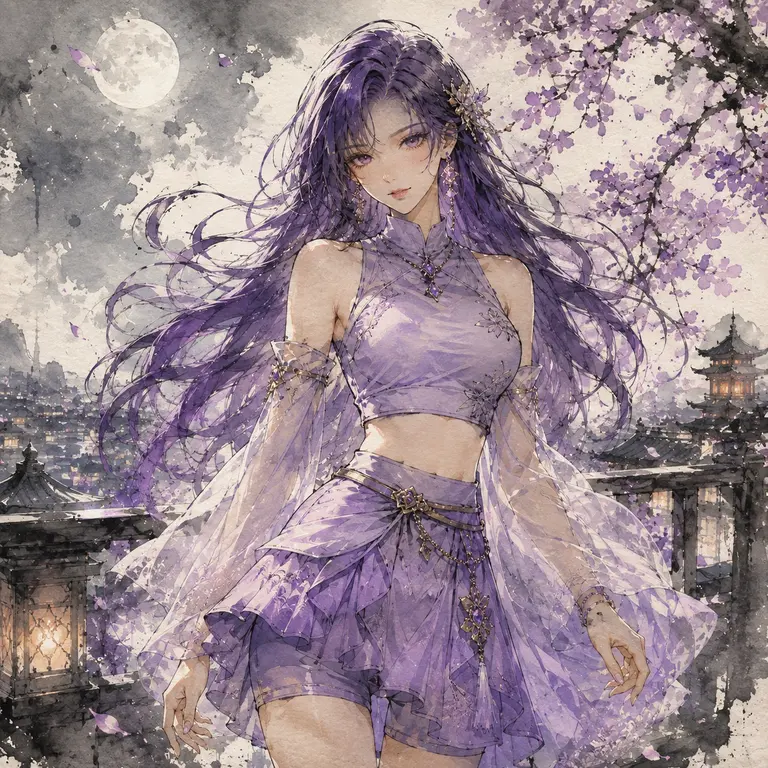
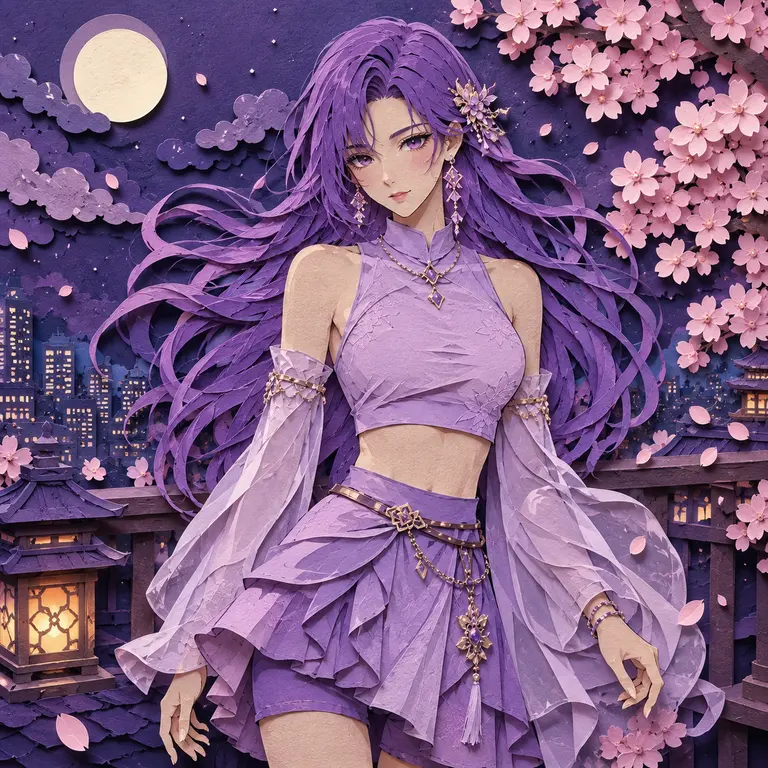
Choisir un médium
Chaque préréglage ajoute une description de médium testée à vos instructions facultatives. Le modèle redessine l’image au lieu d’appliquer un filtre fixe.
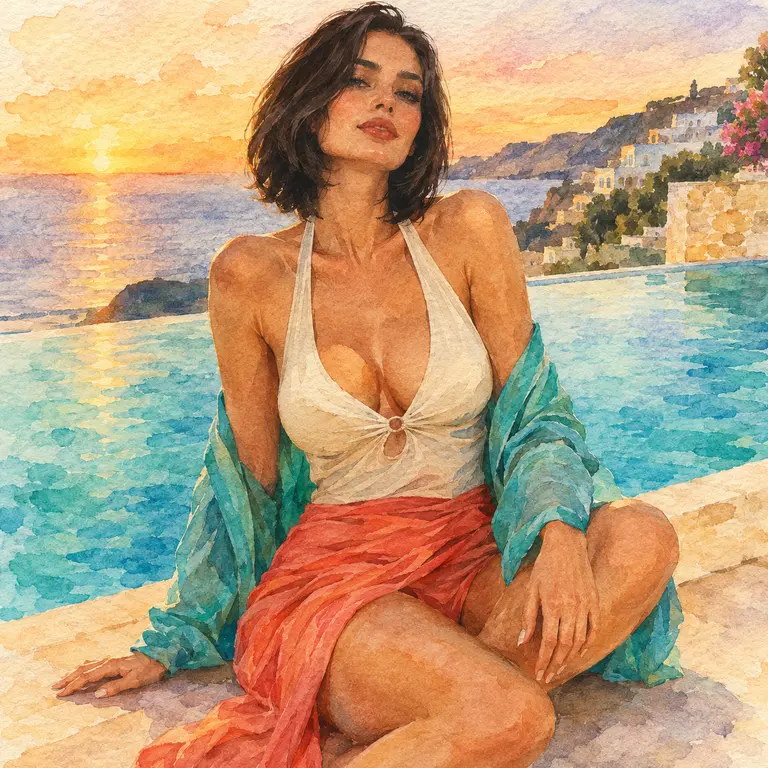
Lavages translucides, grain de papier pressé à froid, contours doux et diffusions naturelles de couleur.
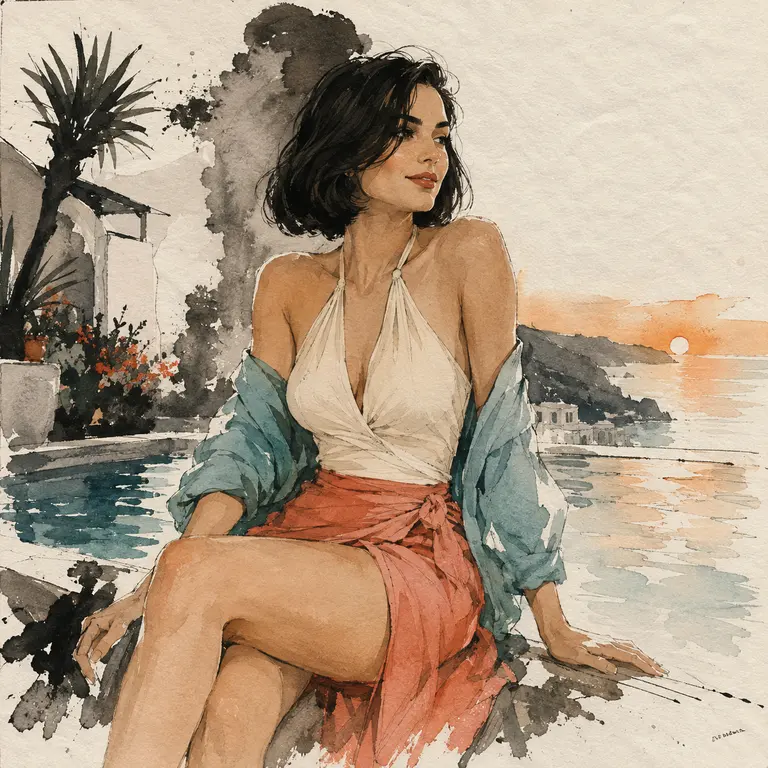
Pinceau noir expressif, accents maîtrisés, texture de papier de riz et espace négatif.
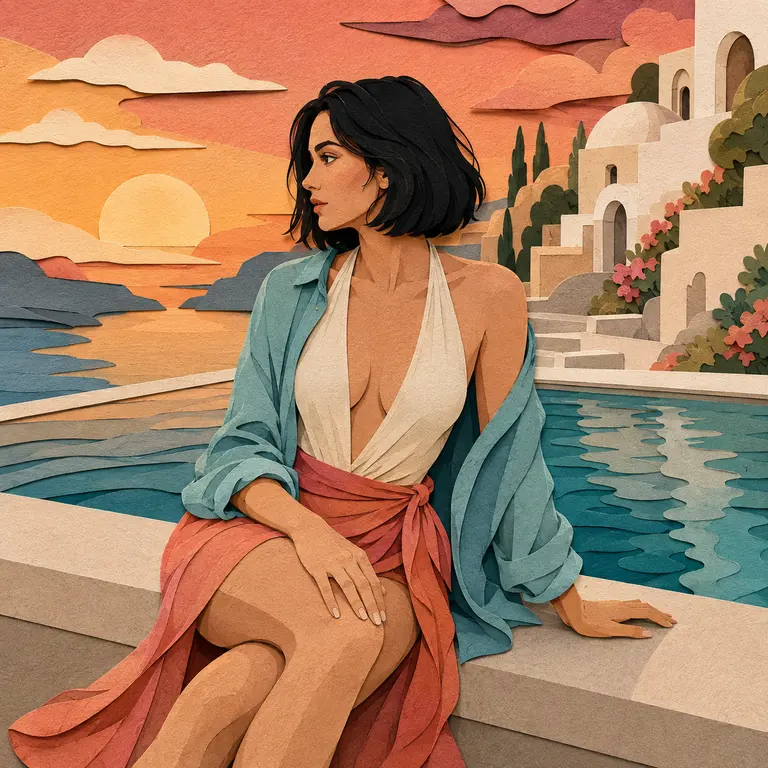
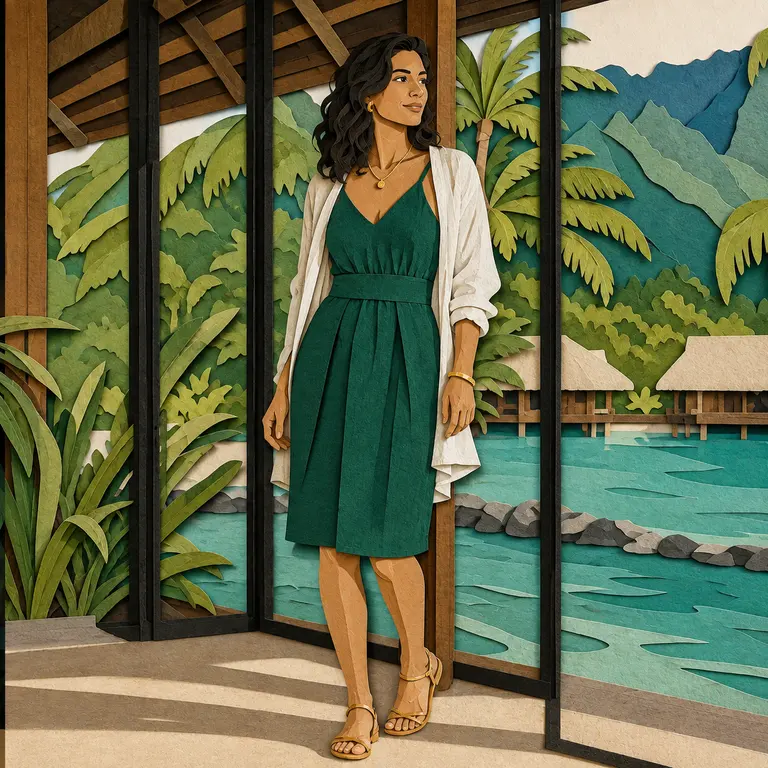
Couches de papier, silhouettes nettes, fibres visibles et ombres superposées en relief.
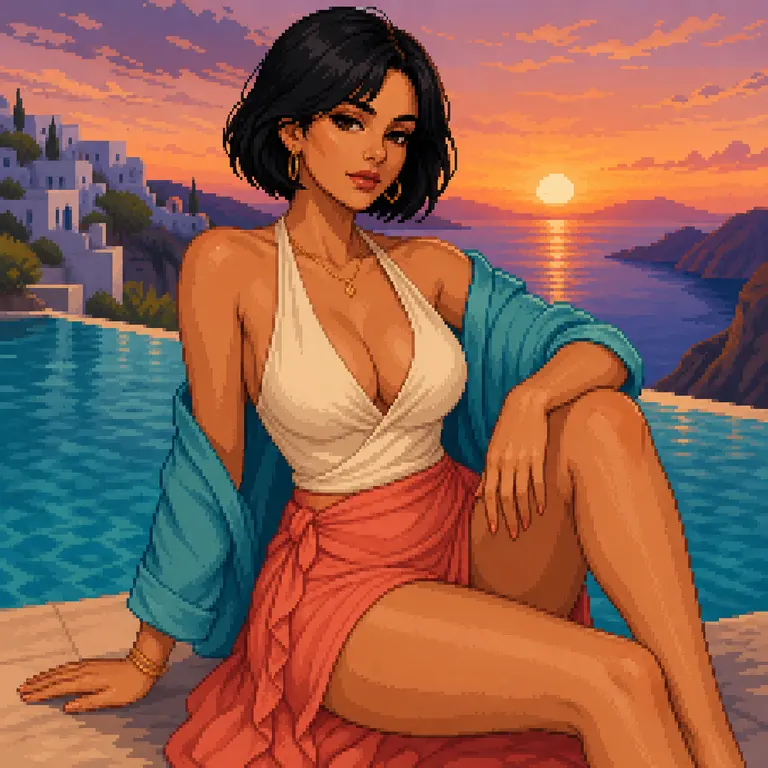
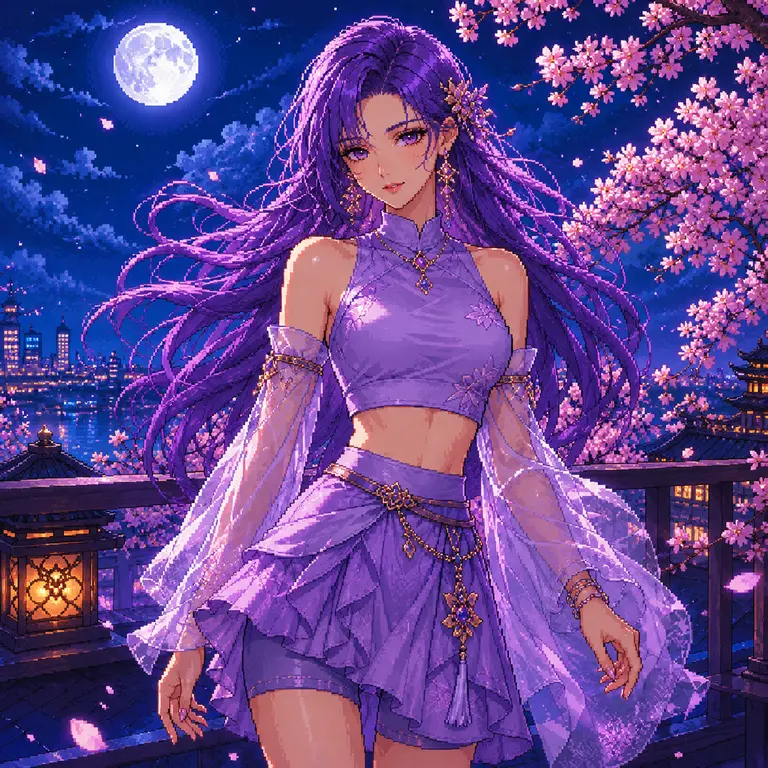
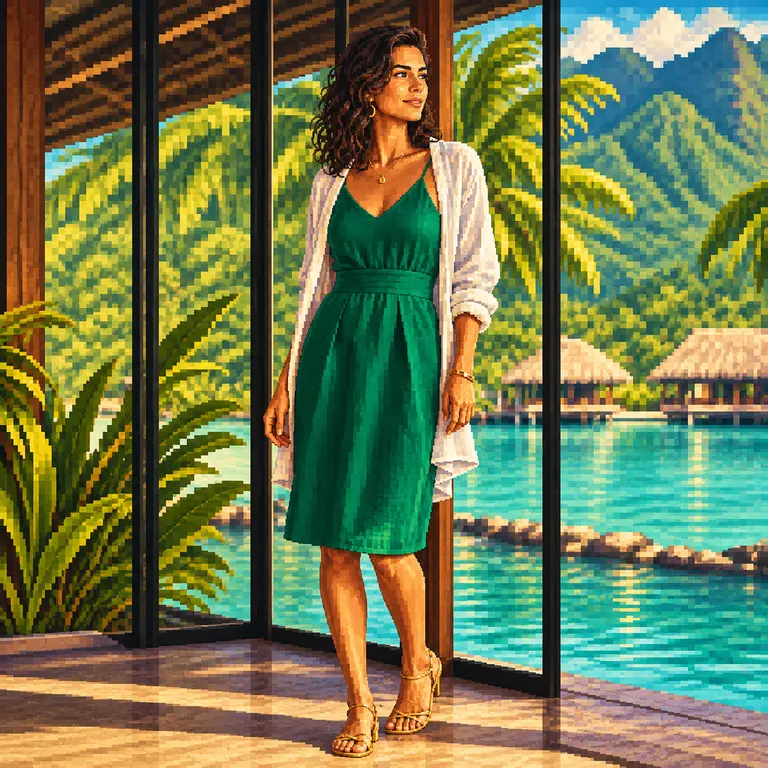
Groupes de pixels propres, palette limitée, formes lisibles et éclairage soigné de jeu vidéo.
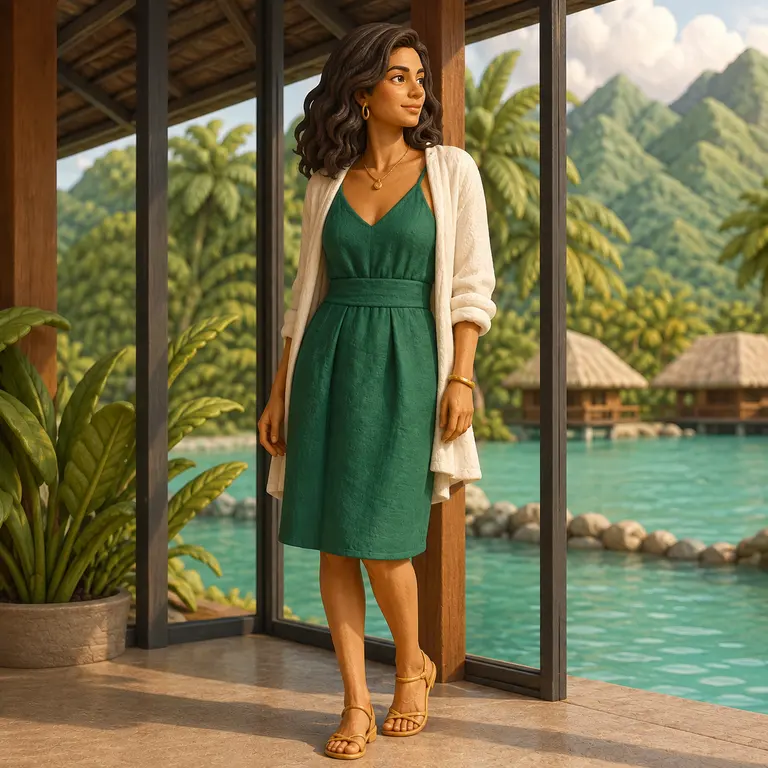
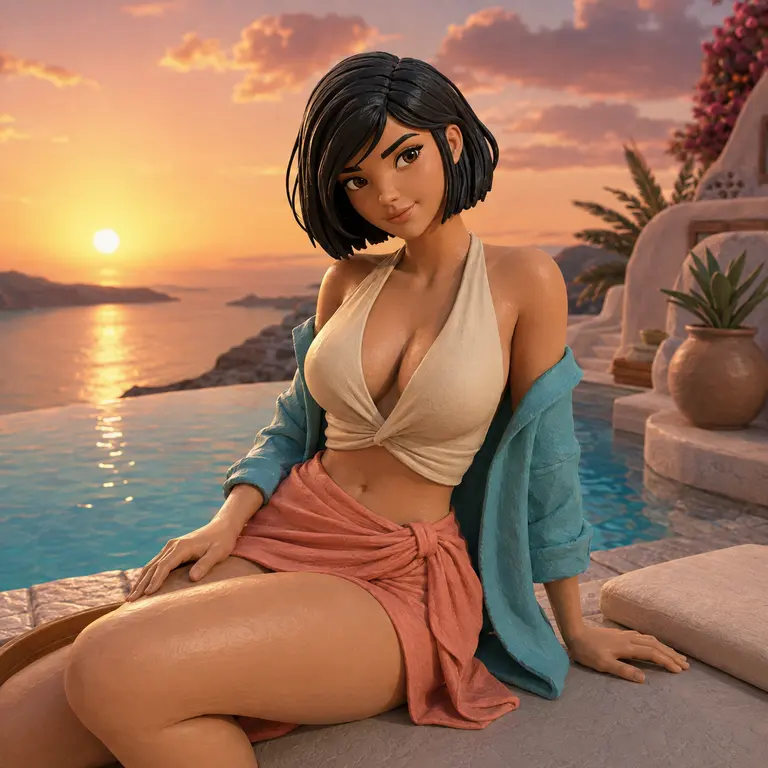
Textures d’argile mate faites main, lumière de studio douce et proportions dignes d’une pièce de collection.
Résultats de nos propres tests
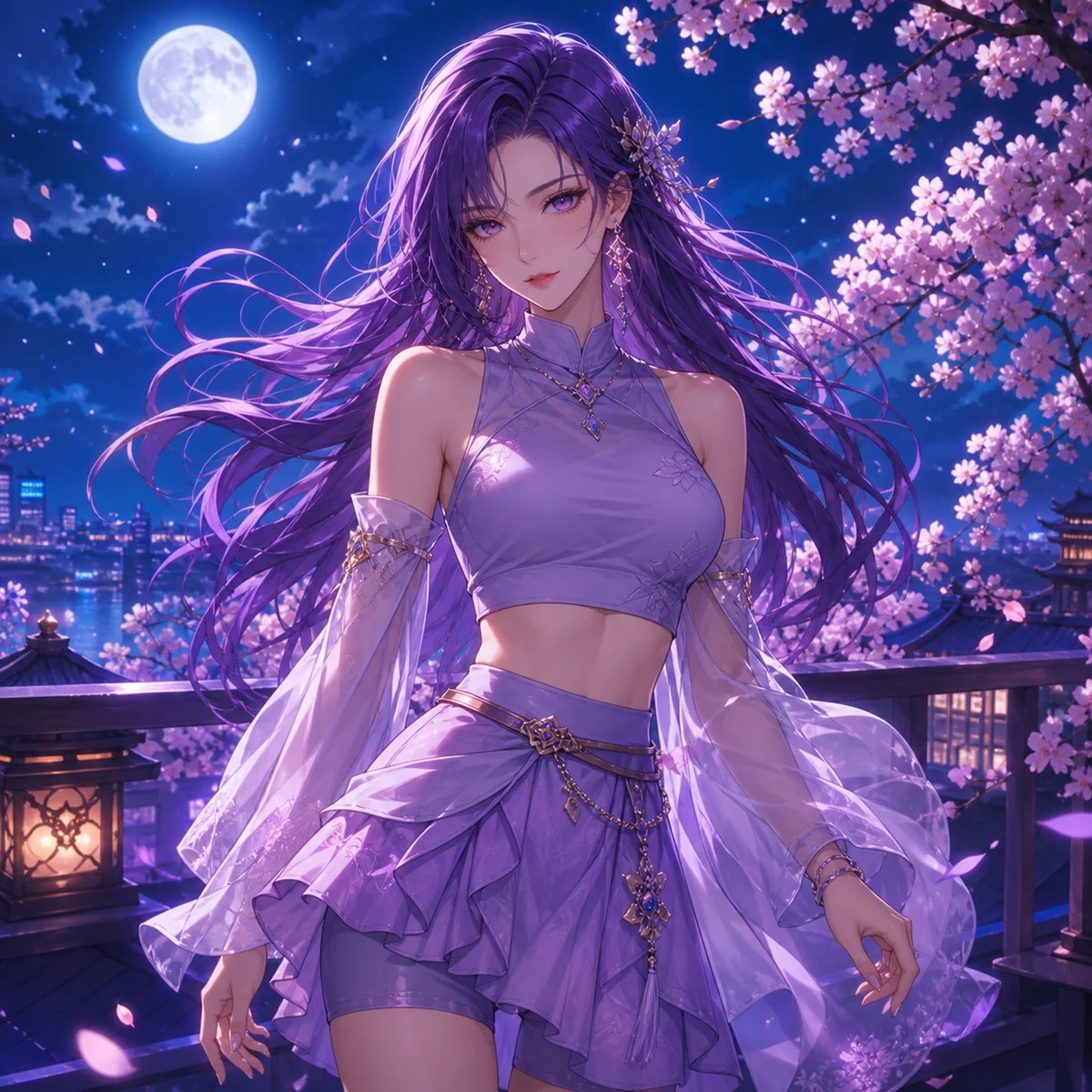
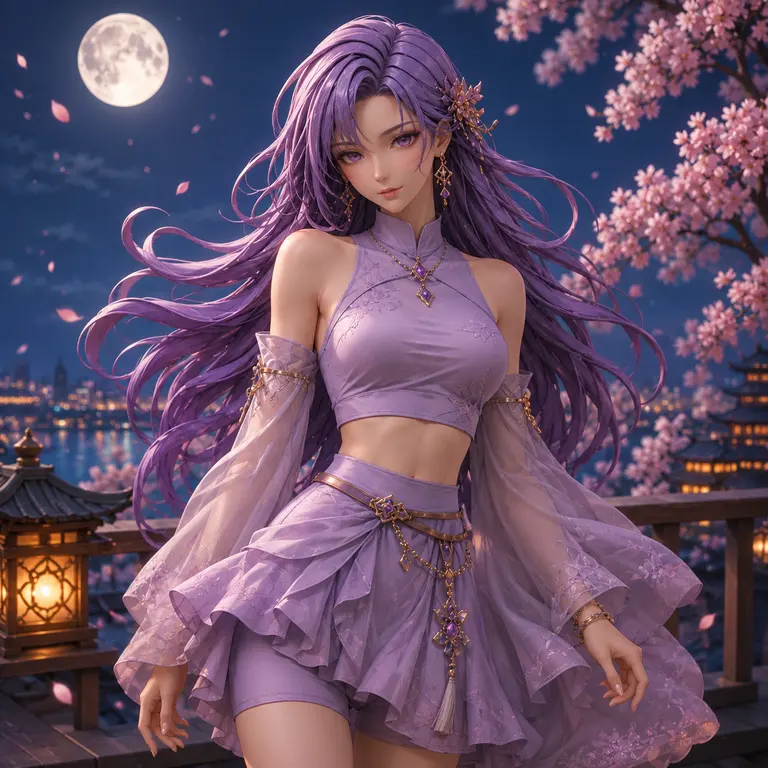
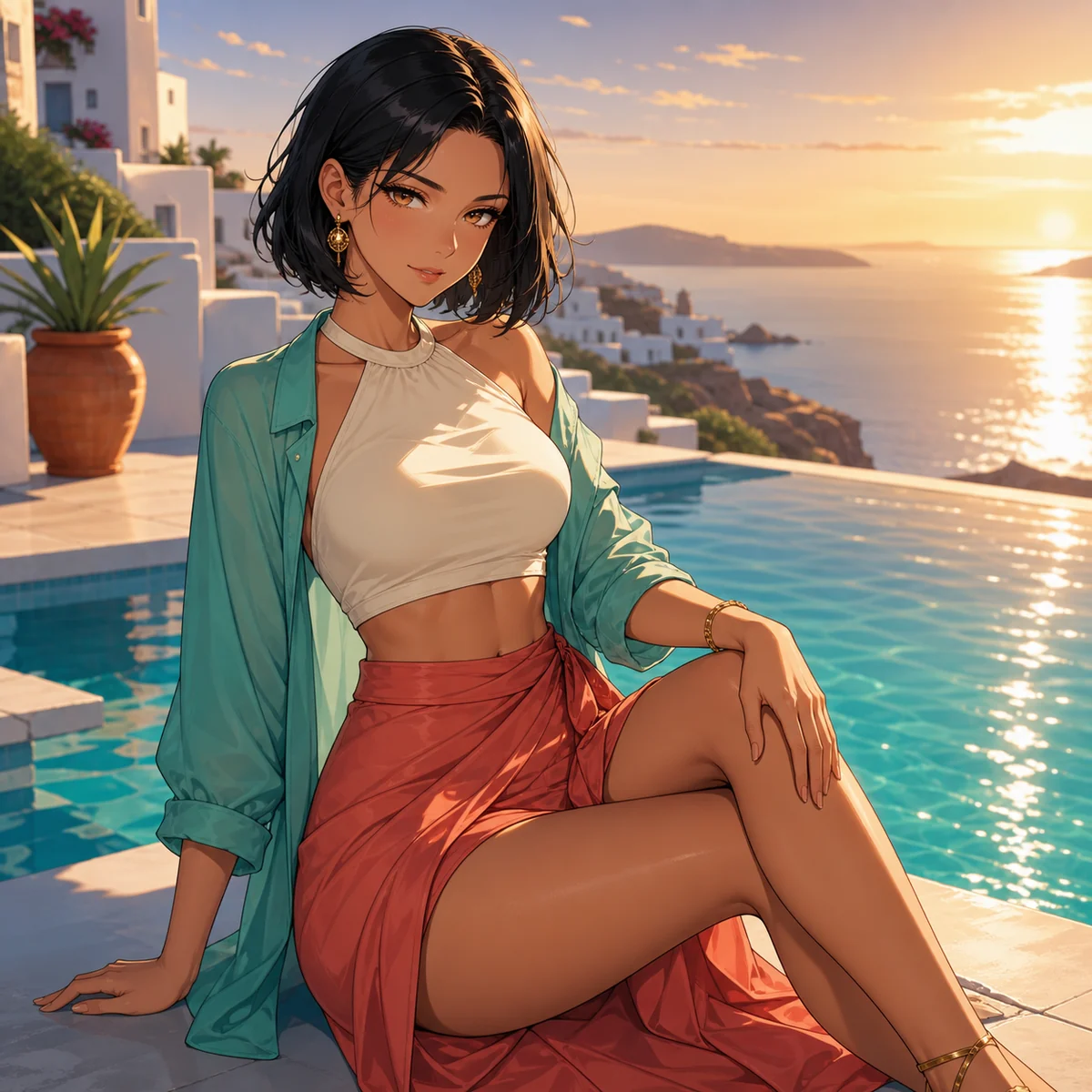
Test effectué le 12 août 2026 avec GPT Image 2 en 1K. Les 15 essais officiels ont tous abouti sans nouvelle tentative. Les durées observées allaient d’environ 1,5 à 4,5 minutes ; il s’agit d’un relevé de test, pas d’une promesse de délai fixe.
Fonctionnement
Choisissez une image claire que vous êtes autorisé à utiliser.
Sélectionnez Aquarelle, Lavis, Papier découpé, Pixel art ou Argile 3D.
Ajoutez des précisions facultatives, vérifiez le coût estimé en crédits et créez le résultat.
Ce flux génère une nouvelle image à partir de la source et d’une description de style. Ce n’est ni un filtre en temps réel, ni un transfert neuronal verrouillé au pixel, ni une garantie de préserver exactement l’identité, le texte, la pose ou la composition. Cette expérience ne propose pas de seed fixe, de masque local ni de réglage d’intensité.
Un modèle génératif crée une nouvelle interprétation artistique de votre image selon le médium choisi. Ce n’est pas un filtre en temps réel ni un transfert neuronal verrouillé au pixel.
Non. Les préréglages visent à garder le sujet et la composition générale reconnaissables, mais les détails, les traits du visage, les couleurs et le cadrage peuvent varier entre les générations.
L’espace de travail accepte les images JPG, PNG et WebP courantes dans la limite indiquée près de l’outil d’import. N’importez que des images que vous êtes autorisé à utiliser.
Cette page propose cinq préréglages de médiums testés et ne demande que des ajustements facultatifs. L’éditeur image vers image convient mieux pour décrire précisément une direction de retouche personnalisée.
Oui. Commencez le transfert de style sans inscription. L’accès invité est limité et le coût de chaque génération est affiché avant l’envoi.
Utilisez l’espace image vers image général pour décrire une direction de retouche détaillée plutôt que de choisir un médium artistique testé.